NBI OTP Not Received? Here’s How to Fix It (2026 Guide)
NBI OTP Not Received? Here’s How to Fix It (2026 Guide)
If you are trying to create or log in to your NBI online appointment account but are not receiving the OTP (One-Time Password), you are not alone. Many applicants experience this issue during registration, login verification, or password reset.
The good news is that in most cases, the problem can be fixed within a few minutes.
In this guide, we will explain the most common reasons why the NBI OTP is not arriving and the best solutions you can try.
Why Am I Not Receiving the NBI OTP ?
The OTP is a security code sent to your mobile number or email address to verify your identity. Sometimes the system may fail to deliver the code immediately because of:
– Network delays
– Incorrect phone number or email
– SMS congestion
– Spam filtering
– Temporary NBI website issues
– Unsupported mobile carriers
In some situations, the OTP may arrive late after several minutes.
10 Ways to Fix the “NBI OTP Not Received” Problem
1. Wait a Few Minutes
The NBI system can sometimes experience heavy traffic, especially during busy hours.
Before trying anything else:
– Wait 5 to 10 minutes
– Avoid requesting multiple OTPs immediately
– Check if the code arrives late
Requesting too many OTPs quickly can temporarily block additional requests.
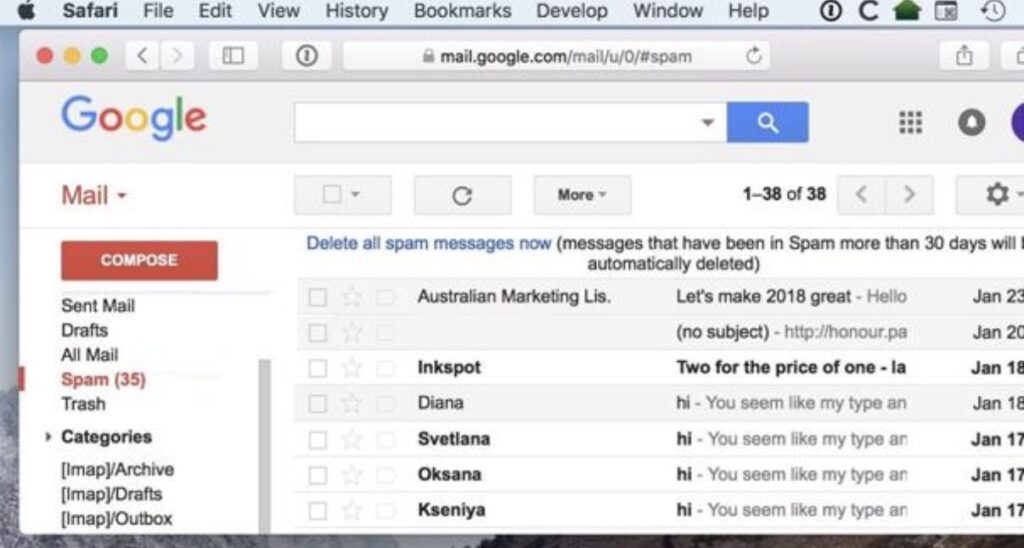
2. Check Your Spam or Junk Folder
If the OTP is sent by email, it may be filtered automatically into:
– Spam folder
– Promotions tab
– Junk mail
This happens frequently with Yahoo Mail and some temporary email providers.
Gmail is usually more reliable for receiving NBI verification emails.
3. Verify Your Mobile Number
One small mistake in your phone number can prevent the OTP from arriving.
Double-check:
– Country code
– Missing digits
– Extra spaces
– Wrong SIM number
For Philippine numbers, make sure the format is correct.
Example:
– Correct: 09XXXXXXXXX
4. Restart Your Phone
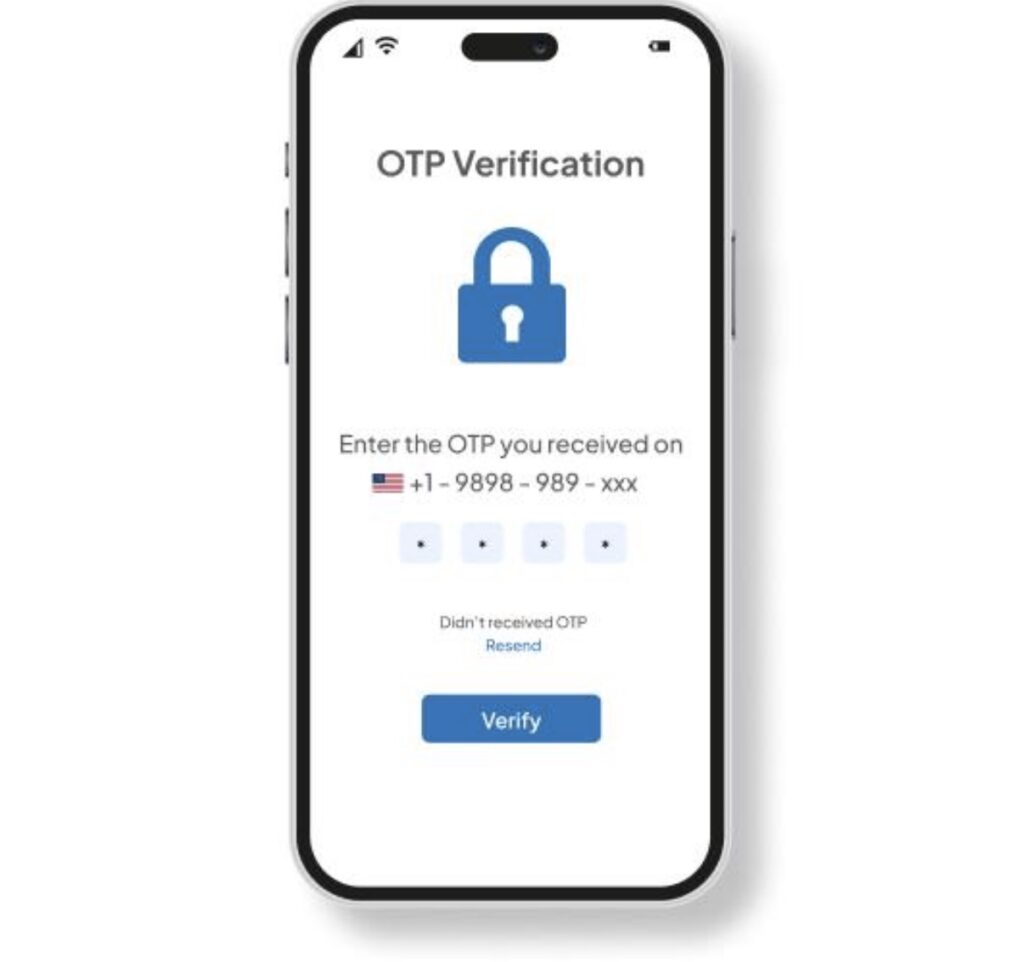
Sometimes your device temporarily loses SMS connectivity.
A quick restart can refresh:
– Mobile signal
– SMS services
– Network registration
After restarting:
– Turn mobile data on
– Ensure signal bars are available
– Request a new OTP
5. Try Using Gmail Instead
Many users report better OTP delivery success with Gmail accounts.
If possible:
– Create a Gmail account
– Register again using Gmail
– Avoid disposable or temporary emails
6. Avoid Multiple OTP Requests
Sending too many requests quickly may trigger temporary protection systems.
If you clicked:
– “Resend OTP”
– multiple times within seconds
The system may temporarily stop sending codes.
Wait at least:
– 10 to 15 minutes
before requesting another OTP.
7. Check Your SMS Inbox Storage
Some phones stop receiving new SMS messages if storage is full.
Delete:
– old messages
– spam SMS
– unnecessary conversations
Then request another OTP.
8. Disable SMS Blocking Apps
Apps that filter spam messages can accidentally block OTP messages.
Examples include:
– SMS blockers
– Security apps
– Carrier filtering systems
Temporarily disable them and try again.
9. Try Another Browser or Device
Sometimes the issue comes from:
– browser cache
– cookies
– session errors
Try:
– Google Chrome
– Microsoft Edge
– Safari
You can also use another phone or computer.
10. Check If the NBI Website Is Down
During peak hours, the NBI online system may become slow or unstable.
Common signs include:
– pages not loading
– login errors
– delayed OTP delivery
If many users experience the same issue, the best solution is usually to wait and try again later.
Best Time to Request an NBI OTP
To avoid delays, try using the system during:
– early morning
– late evening
– weekdays outside office hours
Heavy traffic usually happens:
– Monday mornings
– lunch hours
– weekends
Frequently Asked Questions
How long does the NBI OTP take to arrive?
Normally within:
– 30 seconds to 5 minutes
However, delays can sometimes take longer during high traffic periods.
Can I use the same phone number for multiple accounts?
In some cases, repeated use of the same number may cause verification issues.
Using a unique mobile number is recommended.
What if I still do not receive the OTP?
If none of the solutions work:
– wait a few hours
– try another email
– try another SIM card
– attempt registration again later
Temporary server issues are common during peak periods.
Final Thoughts
The “NBI OTP not received” issue is usually temporary and can often be fixed by checking your email settings, waiting a few minutes, or retrying with another device or email address.
Most applicants successfully receive the OTP after:
– switching to Gmail
– waiting before requesting again
– correcting their phone number
– avoiding multiple rapid OTP requests
If the problem continues for several hours, the issue is likely coming from temporary NBI system congestion.